Tattoo Stencil Maker: Turn Any Tattoo or Sketch Into a Stencil
Upload your design
- Traces your design as it is: nothing is added or redrawn.
- Skin, paper and background are removed; shading becomes outlines.
- Photos taken at an angle are flattened to face the camera.
Your stencil
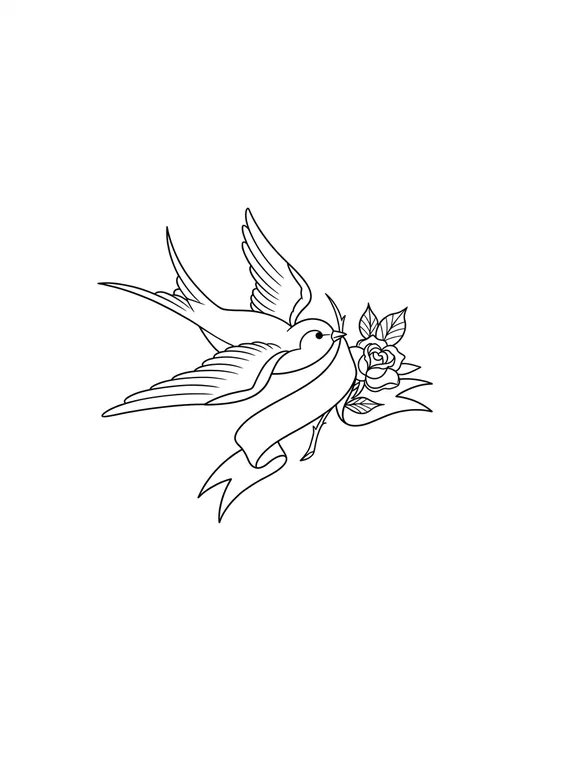
Tattoo Stencil Maker at a Glance
Tattoo Stencil Maker turns a photo of a tattoo, a sketch on paper or finished artwork into a clean tattoo stencil: black linework on white that traces the design as it is, with skin, paper and shading removed, ready to print on stencil paper.
How to use Tattoo Stencil Maker
- Upload a photo of a tattoo, a drawing or a digital design.
- Press "Make stencil" and the AI traces it as clean black outlines on white.
- Drag the before and after slider to check every line is there, and set the line weight from thinner to extra bold.
- Download the stencil as a PNG, or try it on your skin first.
- Time
- A Tattoo Stencil Maker trace usually takes about 15 to 30 seconds. Changing the line weight afterwards is instant and happens in the browser.
- Cost
- A Tattoo Stencil Maker trace costs 5 credits at 1K, 8 at 2K and 10 at 4K resolution. Every signed-in account without a subscription gets 5 free credits each month, enough for one 1K result, and paid plans add more.
- Result
- Tattoo Stencil Maker keeps every element and the path of every line of the original design; it flattens photos taken at an angle and turns shading into outlines, the way a thermal stencil prints.
How the Tattoo Stencil Maker Works
Upload the design
A photo of a healed tattoo, a pencil sketch on paper or finished digital artwork. Take photos straight on and in good light for the cleanest trace.
Trace it as a stencil
The tattoo stencil maker traces every line as clean black outlines on white, removing skin, paper and shading. Then set the line weight from thinner to extra bold.
Check, download, print
Drag the slider to compare the stencil with your original, download the PNG and print it on stencil paper, or try the linework on your skin first.
Tattoo Stencil Maker Results: Photo, Sketch and Artwork
Real results from the stencil maker: the original on the left, the stencil on the right.
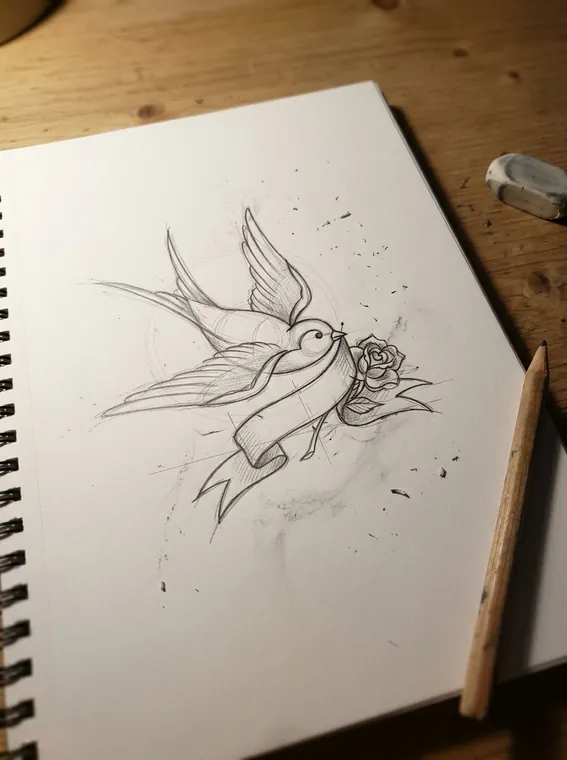
Pencil sketch to stencil
Photographed at an angle on a desk, with construction lines and eraser crumbs. The stencil is flattened and keeps only the final lines.
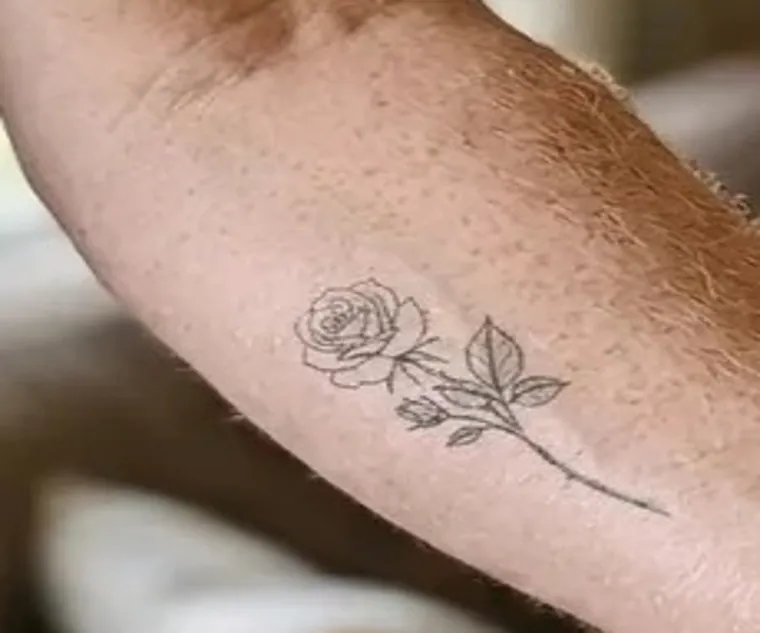
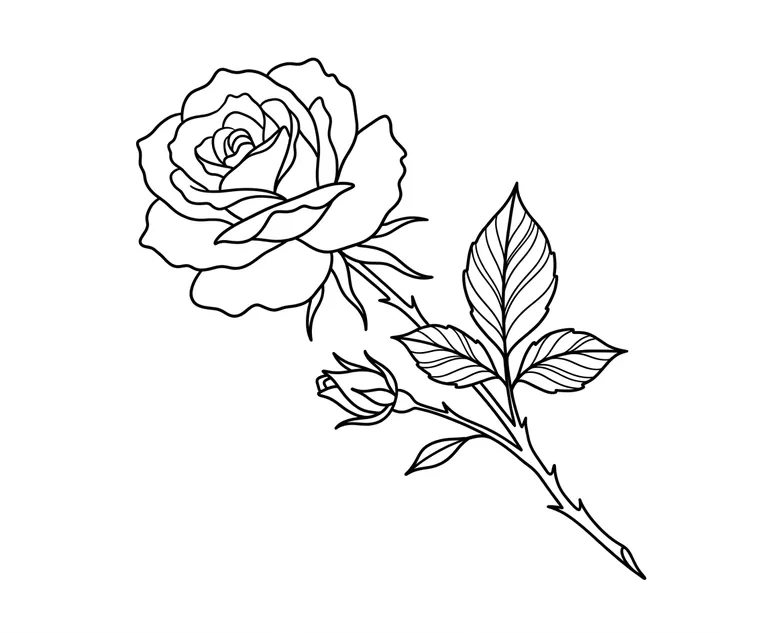
Healed tattoo to stencil
A fine-line rose photographed on a forearm, traced off the skin so it can be redone, resized or matched on the other arm.
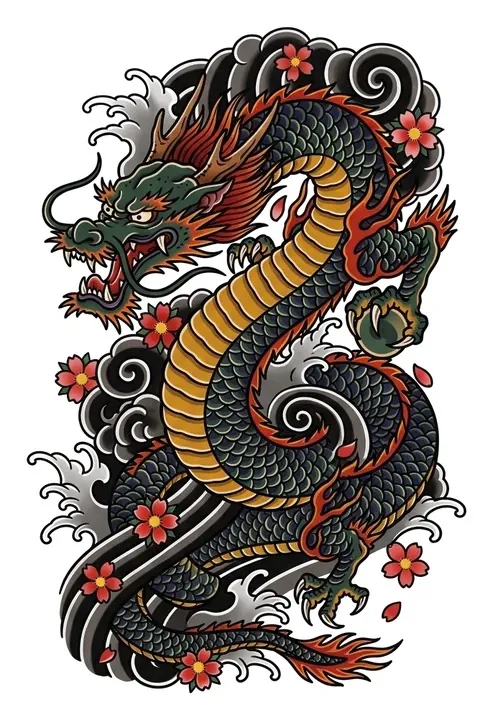
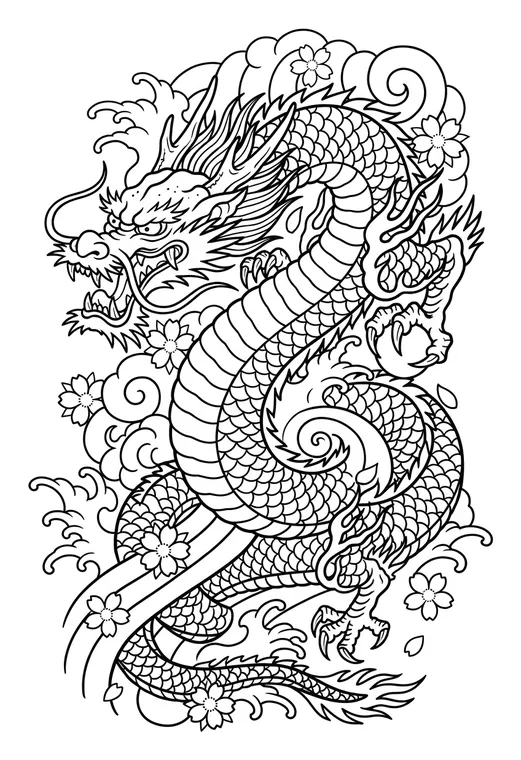
Colour artwork to stencil
A full-colour Japanese dragon, with every scale, wave and blossom turned into outlines an artist can transfer.
Stencil Maker or AI Tattoo Generator?
They answer different questions. Pick the one that matches what you already have.
Tattoo Stencil Maker
You have the design. It is traced faithfully as linework, nothing added or changed.
AI Tattoo Generator
You have an idea in words. It draws a new, original design.
Photo to Tattoo
You have an ordinary photo, like a pet or a place. It redraws the subject as tattoo art.
What Makes a Good Stencil
- 1
One readable main contour
The outer shape should read on its own from a few steps away. If it only works up close, it will blur on skin over the years.
- 2
Enough empty space
Lines placed too close together close up as the ink settles. Leave room between details, especially on small pieces.
- 3
A clear line hierarchy
Bolder outer lines, finer inner detail. Use the line weight slider to find the balance, then let your artist adjust it by hand.
- 4
Words and direction checked
Read any lettering letter by letter before printing, and check the stencil faces the right way for where it will go on your body.
Tattoo Stencil Maker Questions
What is a tattoo stencil?
A tattoo stencil is the outline of a design transferred onto the skin before tattooing, so the artist has a guide to follow. It is usually printed or traced on thermal stencil paper as plain dark lines, without shading or colour.
How do I make a tattoo stencil from a photo?
Upload the photo, press "Make stencil" and the tattoo stencil maker traces the design as clean black outlines on white. Skin, paper texture and background are removed, and a photo taken at an angle is flattened. Download the PNG and print it at the size you want.
Will the stencil maker change my design?
No. It traces the design as it is: every element, the proportions and the path of each line stay the same. Shading and solid areas become outlines, because that is what a stencil shows. To create a new design instead, use the AI tattoo generator.
Can I change the line weight?
Yes. Once the stencil is ready, the line weight slider makes the lines thinner or up to extra bold. It runs in your browser, so changing it is instant and costs nothing extra.
How much does it cost?
A stencil costs 5 credits at 1K. Every signed-in account without a subscription gets 5 free credits each month, enough for one stencil, and paid plans add more.
Can I trace any tattoo I find online?
Please only trace designs you made, own or have permission to use. A tattoo is an artist’s work, and copying another person’s piece without asking is something most tattoo artists will refuse to do.